| Source Data |
|
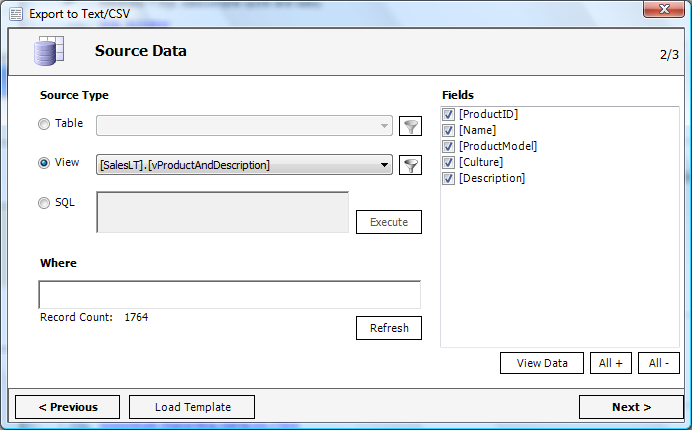
The source for your export file could be a table, a view or your own SQL.
|
|
|
| |
| Individual Settings |
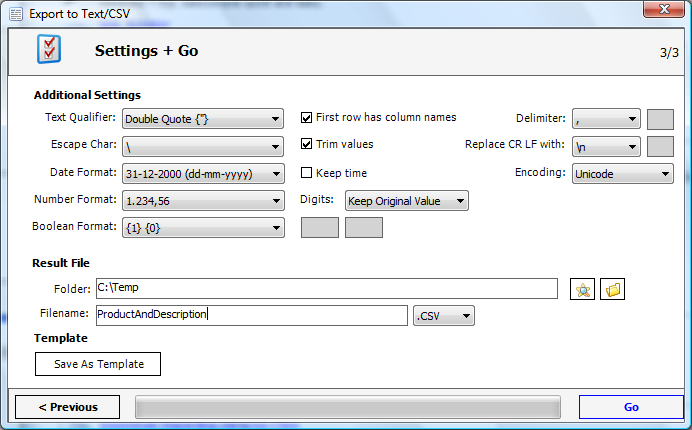
All essential options to create text/csv files are provided.
- Qualifier
- First row has column names
- Delimiter
- Escape char handling
- Carriage Return Line Feed (CRLF) handling
- Date and time format options
- Number format options
- Number of digits for decimal values
- Boolean format options
|
|
|
| |
| Result |
|
This is an example how the text/csv file could look like.
|
|

|
| |
| Quick Scripter |
|
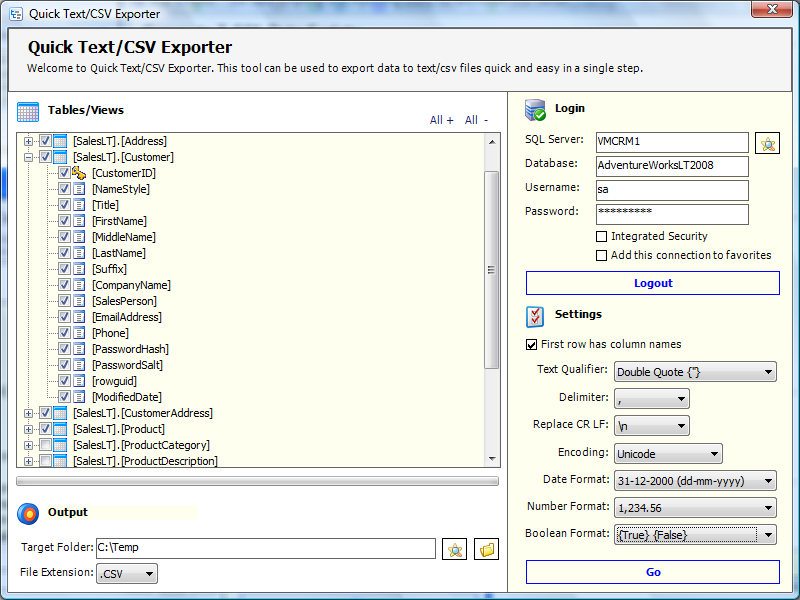
Use Quick Exporter to export all tables/views in a single step.
|
|
|
